
Why handwriting
The pen shows the thinking.
A tapped answer is only right or wrong. A written one shows how your child got there. LegUp is built around the pen, so the buddy can read the page and help with the step that slipped.
The research
Writing by hand is how young brains learn.
Most AI tutors work by typing or talking. Three studies show why we chose the pen.
It builds the reading circuit
In brain scans of young children, printing letters by hand lit up the brain’s reading network. Typing and tracing didn’t.
James and Engelhardt, 2012
It connects more of the brain
High-density EEG showed handwriting links the brain’s memory and learning networks far more than typing does.
Askvik, van der Weel and van der Meer, 2020
It makes ideas stick
Students who took notes by hand understood the material better than students who typed them.
Mueller and Oppenheimer, 2014
What the page shows
A wrong 32 that tells you why.
Your child works out 23 + 19 and writes 32. On a tap screen, that’s just wrong.
Written out, the slip is easy to see. The ones make 12, the 2 went down and the 1 never got carried to the tens.
“What happens to the 1 in 12?”
So the buddy asks about that one column, not a plain “Try again.” Your child fixes the step and moves on.
How the buddy reads the page
From pen stroke to hint.
Your child answers on the page with a pen or a finger. Here’s what happens next.
They write it
A word, a number, a circle or a sketch. Crossed-out tries stay on the page.
The buddy reads it
The app sends the page to an outside AI service to read the writing and each step.
The key stays put
Answers are checked on LegUp’s server. The tablet never has the answer key.
A hint about that step
Every reply about graded work is checked against the key before your child sees it.
Like any AI, the buddy can misread messy writing or make a mistake. If it can’t read something, that’s a cue to write it again, not a mark against your child.
Hints, not answers
A little help. Then their turn.
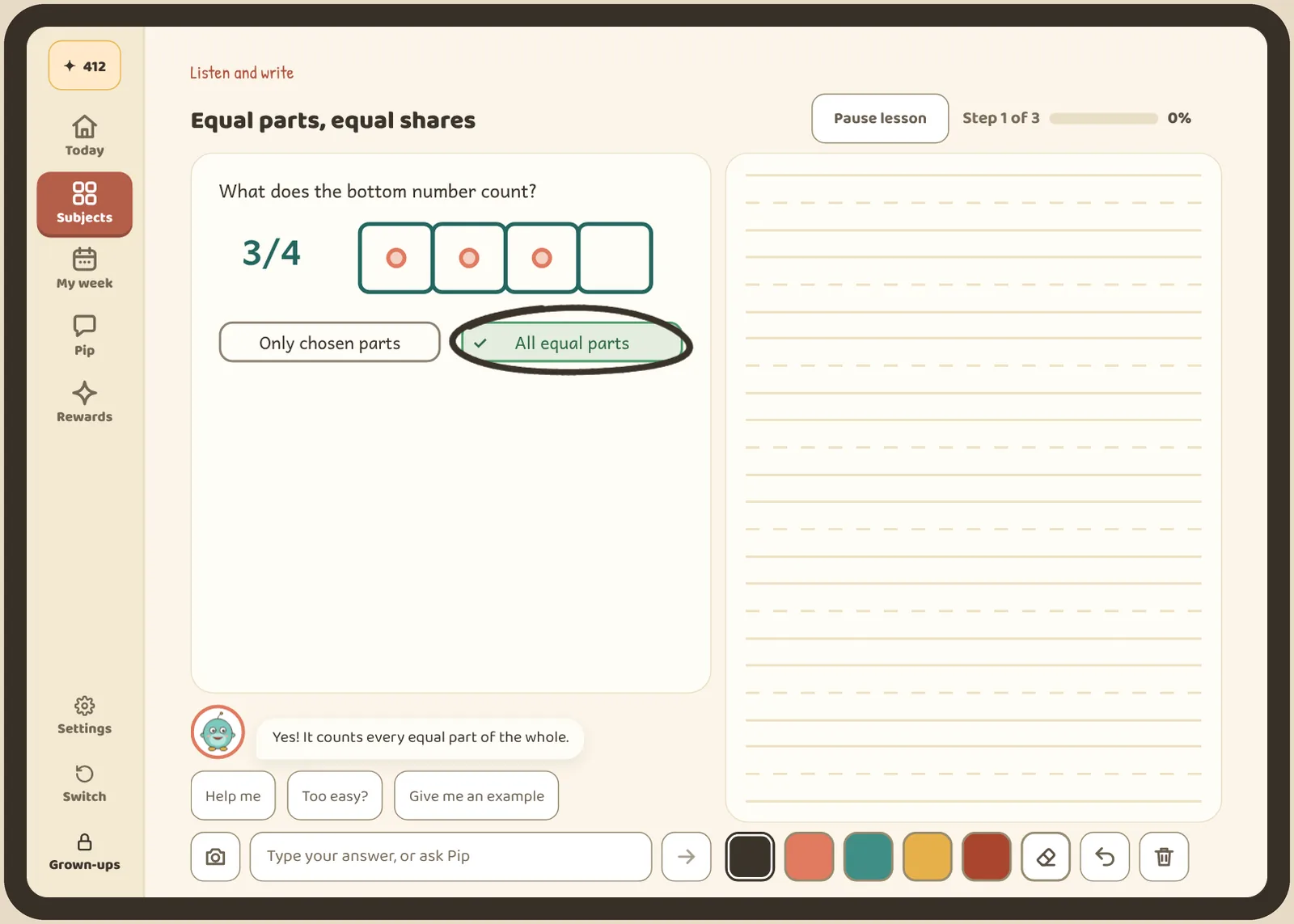
When your child asks how to begin, the buddy can draw a starting point on the page. As they write, the guide fades and their own lines take over.
For letters, numbers and shapes, tracing shows where to start and the order of the strokes. Tap “Show me” and the strokes are drawn step by step, with short spoken tips when voice is on.
The first thing they draw
Their first drawing becomes their buddy.
During setup, your child draws and names a buddy. It’s theirs before the first lesson starts.
Draw it
Your child draws their buddy by hand, any way they like.
Name it
Your child picks the name.
Learn with it
Three short lessons a day, two new and one review, in about 20 minutes.
Questions
Before you pick up the pen.
Do we need a stylus?
No. A finger works. A stylus feels more like a pencil, so try one on your own tablet before you buy. Our device guide explains what to test.
Will the buddy always read it right?
Not always. It can misread writing, like any AI. Room around each answer and clear letters help. If it can’t read something, your child writes it again.
What happens to writing done on this site?
The lesson on our homepage is scripted, with no live AI. Nothing you write there is saved or sent. In the app, handwriting is saved to your child’s record and read as described above. Read the privacy policy before you set up an account.
How much does it cost?
Nothing. LegUp is free during the beta.
Give your kid a leg upthat lasts.
Start freeFree during the beta. Kindergarten to grade 6.
Works in the browser on any tablet. Our Android app is in closed testing, and an iOS app is planned.
On Google Play for Android tablets, and on the web for everything else.